
A few weeks ago one of my clients messaged me in a panic. They couldn’t edit existing posts or create new ones on their WordPress site. Every time they tried, they got a 403 error. The dashboard loaded fine, but anything that relied on the REST API was completely blocked.
At first glance nothing obvious jumped out. No clear malware popup, no weird redirects, nothing that screamed “you’re hacked.” After digging deeper I realised the situation was more complicated than a simple plugin conflict or permission issue.
This turned out to be part of the wider wp2shell attack that hit many WordPress sites in July 2026. The vulnerability lived in WordPress core itself (versions 6.9.0–6.9.4 and 7.0.0–7.0.1). Attackers could create administrator accounts and plant persistence without needing any special plugins or misconfigurations.
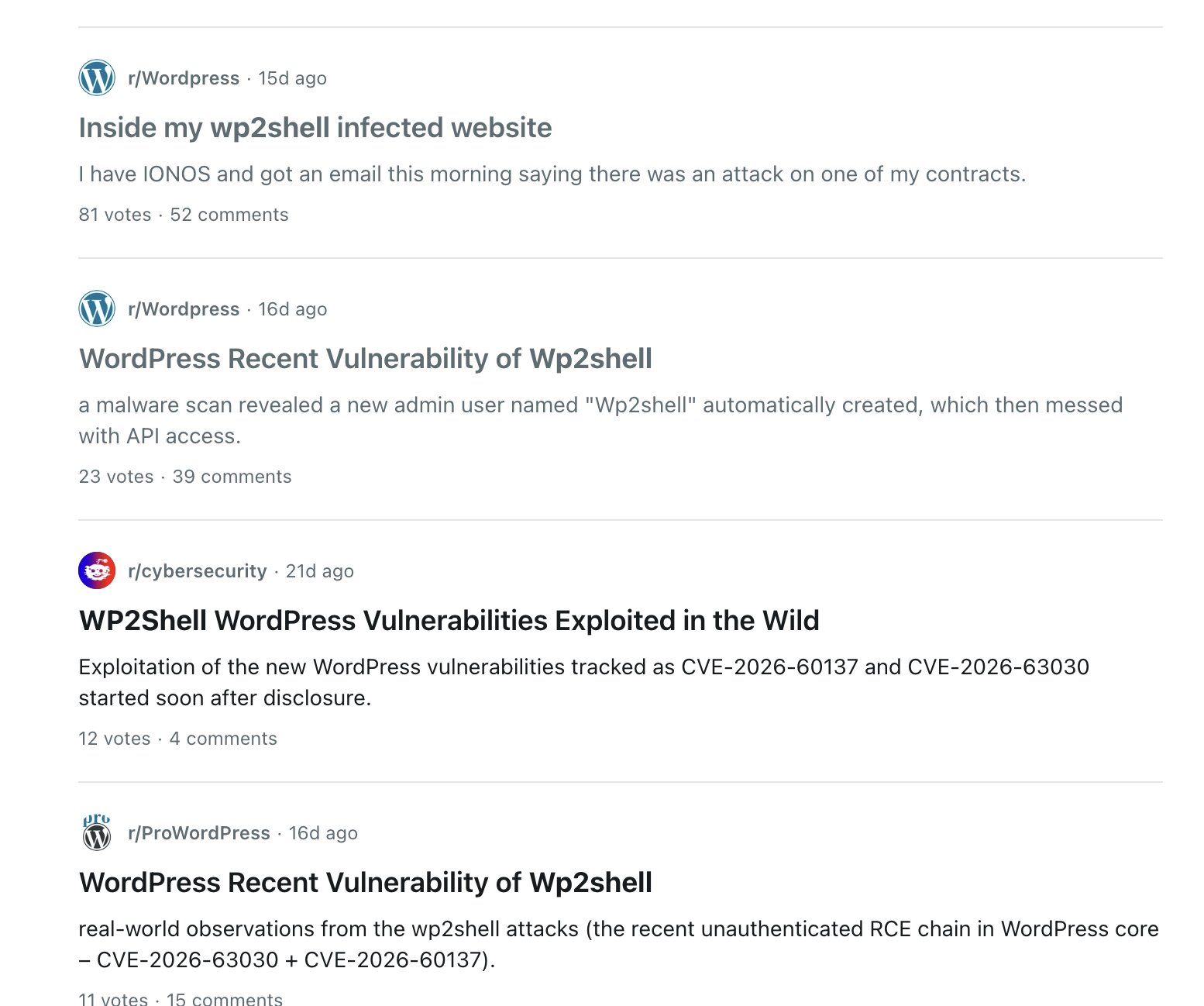
There is a lot of scary stories in reddit as well.. I also shared my experience over there. And some great suggestions too.
What I kept finding across affected sites
The traces weren’t always dramatic. Here’s what showed up most often in my experience:
- REST API returning 403 Exactly like my client’s case. Editing or publishing posts became impossible even though the rest of the admin area seemed to work.
- Fake or unknown administrator accounts New admin users that the site owner never created.
- Suspicious or fake plugins Sometimes in the normal plugins folder, sometimes as must-use plugins. Several tried to look like security patches or harmless tools. I removed them, but that alone wasn’t the full story.
- Junk in the database Fake navigation menu items and customize changesets, often with strange dates or odd content. These don’t show up in the normal menus screen and are easy to miss if you’re only looking at the front-end or the Plugins page.
- Other leftovers On some sites there were unexpected files, modified core files, or strange cron jobs that kept trying to maintain access.
Importantly, not every site had the random PHP webshells in the cache folder that many write-ups mentioned. The absence of those files does not mean the site is clean.
Why just updating and deleting users/plugins usually isn’t enough
Updating WordPress to a fixed version (6.9.5, 7.0.2 or later) closes the original hole. Deleting the fake admin accounts and the weird plugins removes the most visible persistence.
But the attack often left more behind:
- Fake navigation items and other records sitting quietly in the database
- Files that don’t belong
- Cron jobs that can re-introduce problems
- Subtle changes that only show up when you know what to look for
If those pieces remain, the site can still behave strangely (including the 403 REST API errors) or remain partially compromised.
What you should check
- Update WordPress core to a patched version.
- Carefully review all users — especially administrators.
- Audit plugins and must-use plugins. Remove anything you didn’t install.
- Inspect the database for leftover fake nav items, changesets, and suspicious postmeta.
- Look for unexpected files and check cron jobs.
- Regenerate WordPress security keys/salts and reset admin passwords.
- Test whether you can properly edit and publish posts again after the cleanup.
A proper cleanup goes beyond the obvious dashboard checks.
Need a complete technical checkup?
If your site is showing similar symptoms — sudden 403 errors when trying to edit or add posts, unknown admin accounts, strange plugins, or you simply feel something is still off after the basic steps — and you want a thorough technical review of the files, database, and scheduled tasks, feel free to contact me.
Tell me roughly what you’re seeing and how many sites are involved. I’ll let you know the next steps.
This attack left a lot of people dealing with the same quiet, frustrating leftovers weeks later. A careful cleanup is worth doing once so you don’t keep running into the same problems.